
Film the show
without
lighting up
the audience
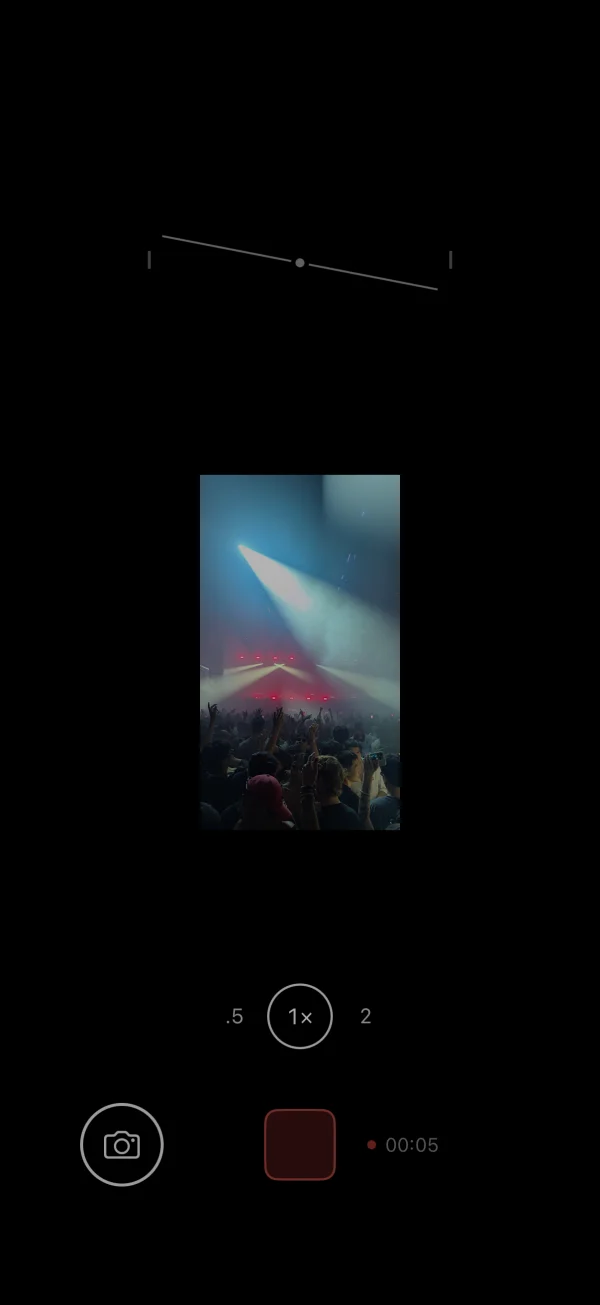
Concert Cam keeps the viewfinder small and the rest of your screen black. The people behind you get to watch the stage instead of your phone, and you still record the full frame.


The idea
A small bright rectangle instead of a whole bright screen.
The viewfinder is only what you are shown. What the camera records is a separate thing entirely, and it never shrinks.
What the crowd sees
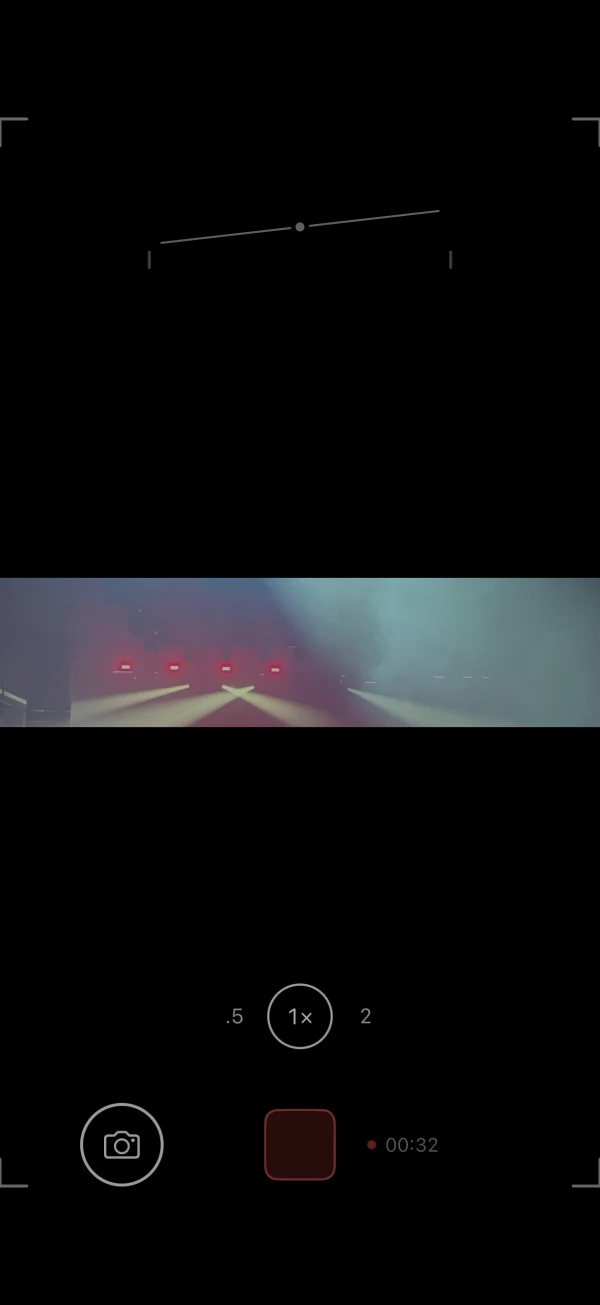
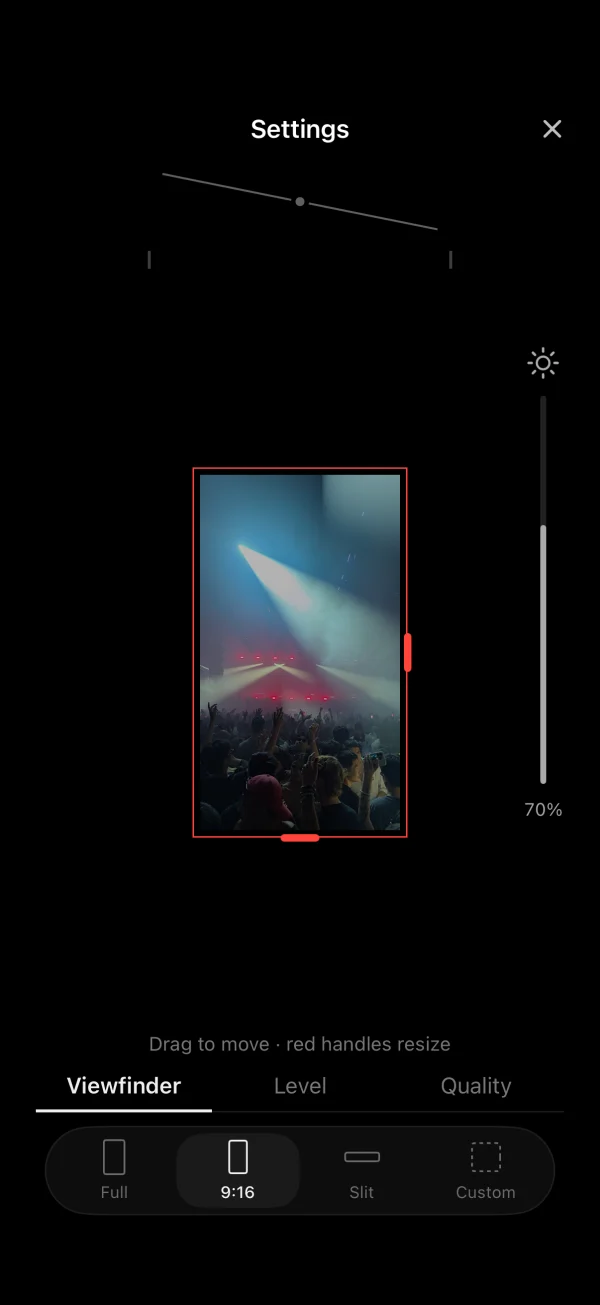
Most of the display stays black while you film. You can shrink the viewfinder further, or stretch it into a slit.
What you record
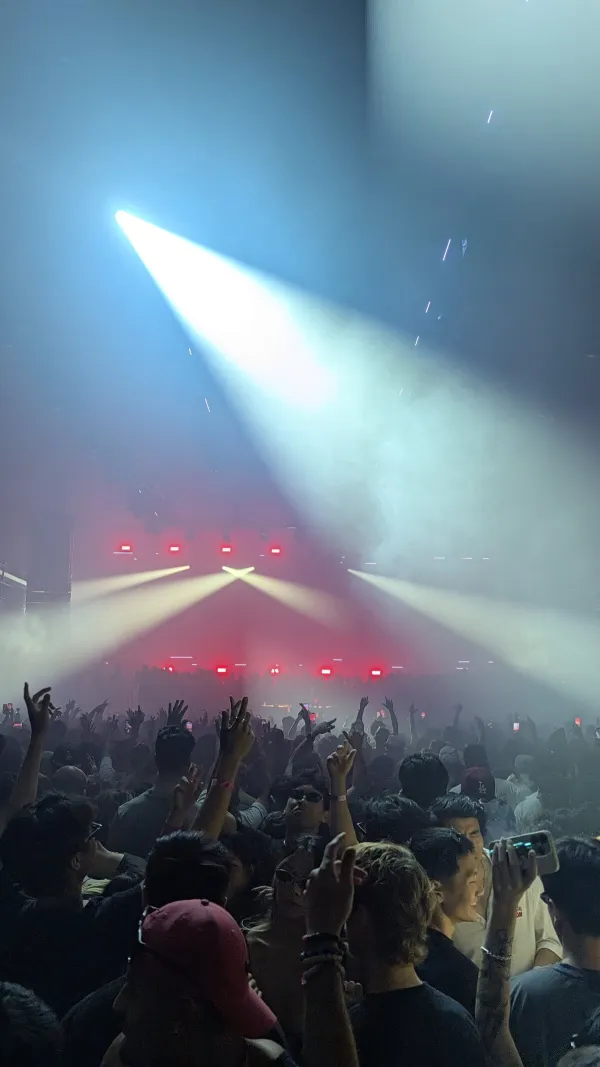
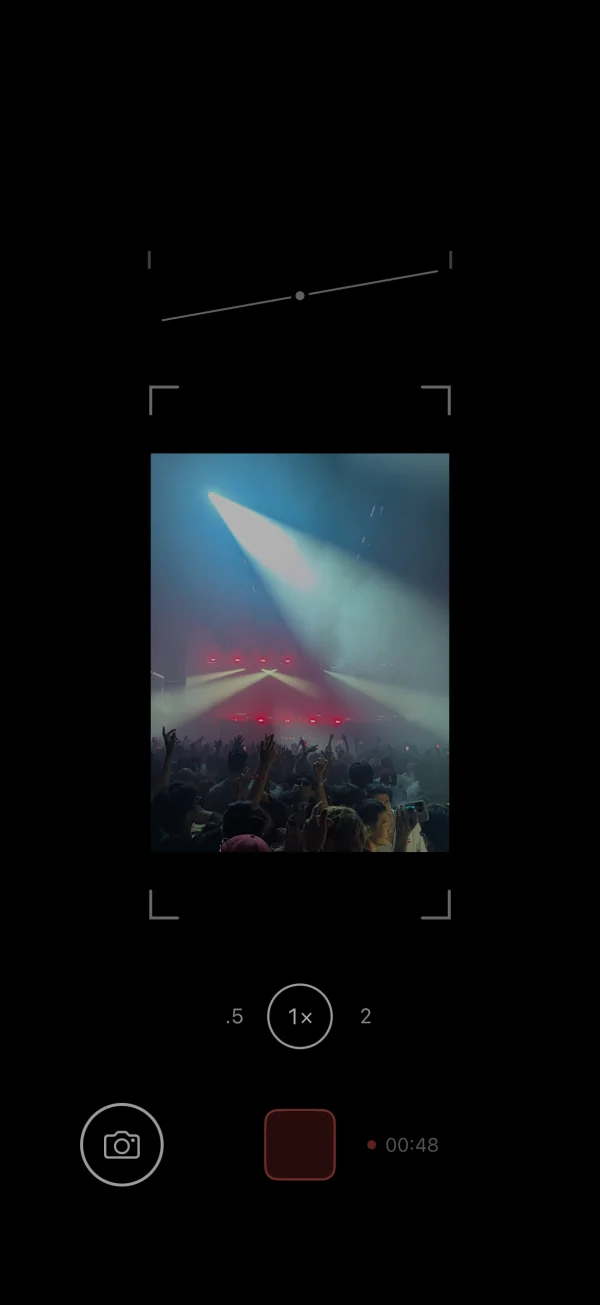
The full frame, every time. While you film, corner marks on the screen show you how much of it you are actually capturing.
How it works
Perfect for giant venues or small nightclubs.
The viewfinder shrinks when you record
Full screen while you line the shot up. Press record and it drops to a small rectangle in the middle of a black screen.
Any shape you like
Full, 9:16, a letterbox slit, or a custom rectangle you drag to size. Move it anywhere on the screen.
Always the full frame
The viewfinder only changes what you are shown. The recording is the full frame whatever size you set.
A dim record button
While filming, the stop control is a faint outline rather than a lit disc, next to a small running timer.
Photos without stopping
A photo button sits beside the shutter the whole time. Take a still without interrupting the recording.
Brightness and a horizon level
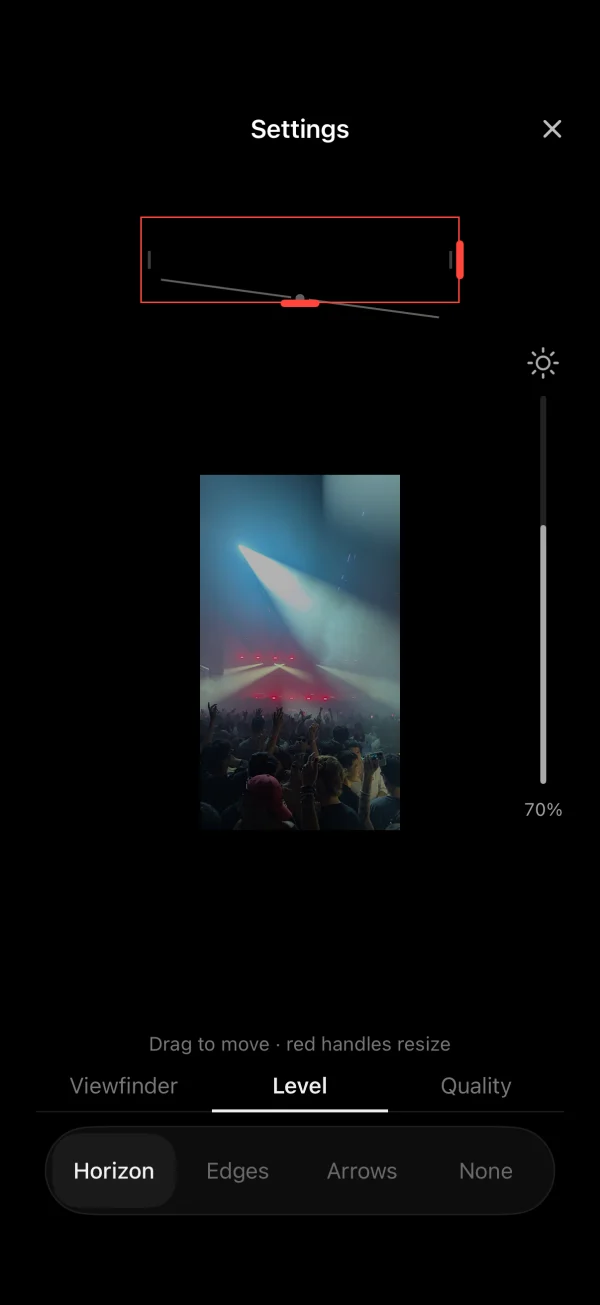
Bring the whole interface down with a brightness rail, and keep the shot straight with a horizon, edges or arrows.
In the app
Set the controls to suit you.
Shape, position, brightness and the level are all yours to set, and each shape is remembered where you last put it.
Download
Free, and it keeps to itself.
Nothing you record leaves your phone. Clips and photos save straight to your photo library, like any other camera app.
Support
Questions, bugs or ideas.
Send a note and I'll get back to you by email. If something isn't working, tell me your phone model and what you were doing when it happened.